 ME
ME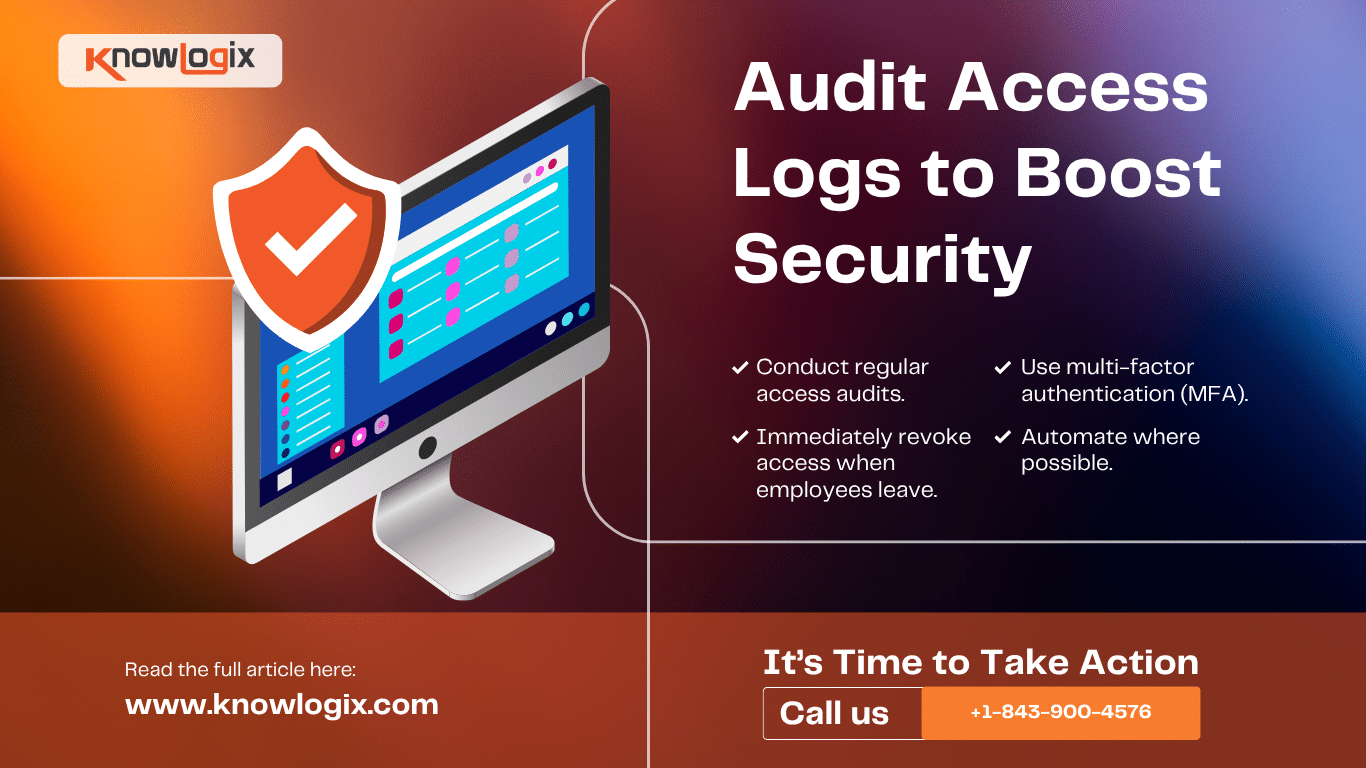
Audit Access Logs to Boost Security
Old Logins, New Threats
Secure Your Business: Clean Up Access Logs
In the fast-paced world of cybersecurity, one of the most overlooked risks is also one of the simplest to fix: outdated employee credentials. Whether it’s a former employee who still has access to internal systems or an unused account that’s been forgotten, these lingering logins can become ticking time bombs for your business.
The Hidden Dangers of Outdated Access
Every login credential in your system represents a potential entry point for cybercriminals. When these credentials are no longer actively monitored or used, they become vulnerable. Former employees may still have access to sensitive data, third-party vendors might still be able to log in, and dormant accounts can be exploited by hackers using stolen or guessed passwords.
In fact, many high-profile data breaches have one thing in common: attackers got in through neglected or forgotten accounts.
Why Access Logs Matter
Access logs are your first line of visibility into who is entering your system—and when. But if you’re not regularly reviewing and cleaning them, they’re just noise. By regularly monitoring access logs and removing outdated or inactive credentials, you reduce your attack surface and regain control over your digital environment.
Best Practices for Cleaning Up Access
Here’s how to start closing the gaps:
- Conduct regular access audits. Review who has access to what, and why.
- Immediately revoke access when employees leave. Offboarding should include IT notification and access termination.
- Use multi-factor authentication (MFA). It adds an additional layer of security to all logins.
- Automate where possible. Tools that manage identity and access can help ensure consistency and oversight.
It’s Time to Take Action
Cybersecurity isn’t just about firewalls and antivirus software. It’s about strong, proactive hygiene and that includes keeping your access logs clean and current. Old credentials may not seem like a major issue today, but in the wrong hands, they can lead to costly consequences tomorrow.
At Knowlogix, we help businesses assess and tighten their cybersecurity practices from access control to advanced threat protection. Let’s ensure your business isn’t leaving the back door open.
Visit knowlogix.com/ or contact us at +1-843-900-4576 to learn more.